
Find it. Share it. SEND IT.
New here? Here's a quick lap around GO-RC! — four simple ways to get stuck in. Follow the green arrows. 🏁
Adding a Spot
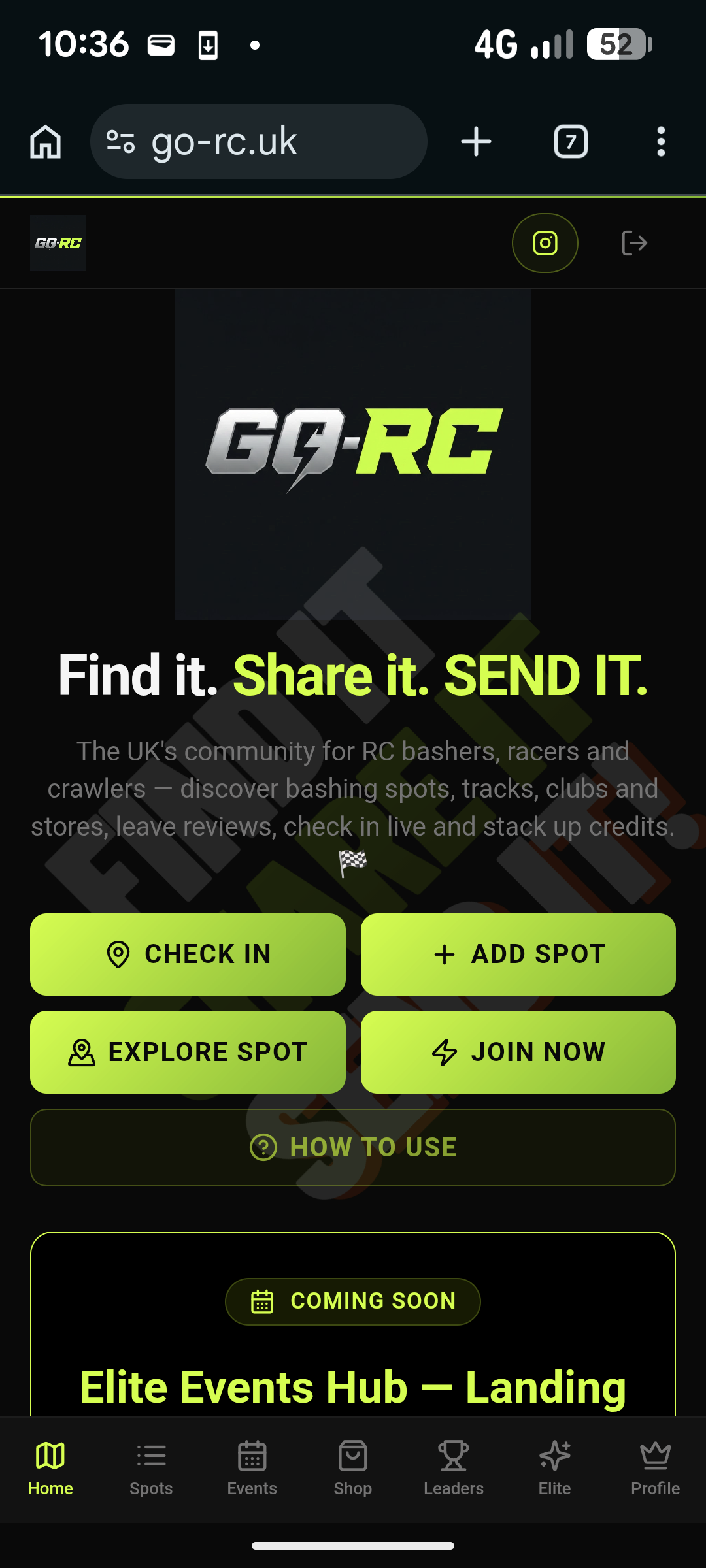
STEP 1 — CHECK IN OR ADD A SPOT
Already at a spot that's on GO-RC? Tap CHECK IN to check in and see who else is currently there.
Found a spot that isn't on GO-RC yet? Tap ADD SPOT to add it to the community.
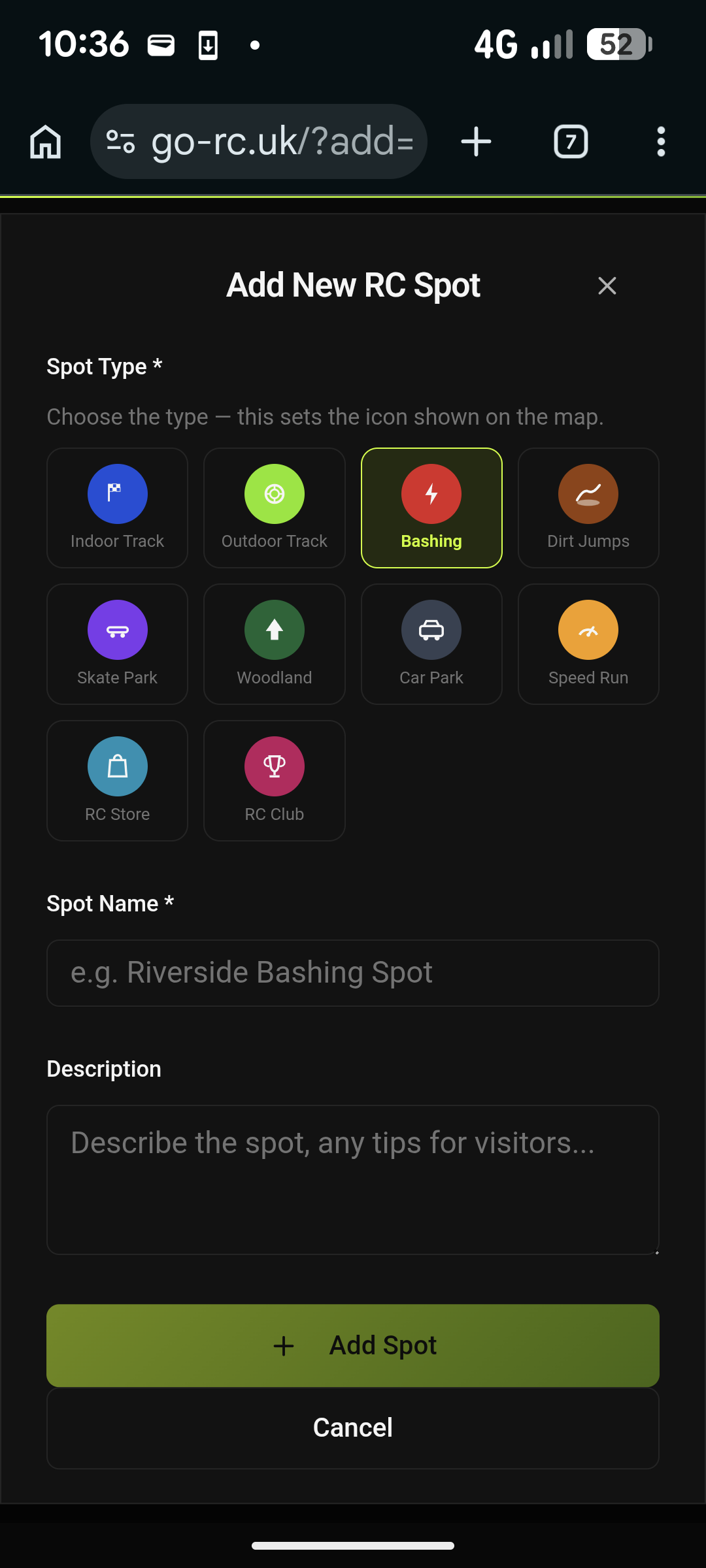
STEP 2 — ADD THE SPOT DETAILS
Capture your current location, add the spot details and select all track types that apply, then tap ADD SPOT.
When you add a new spot, GO-RC automatically checks you in, so you do not need to Check In again.
Spot submissions are available with Full Elite and active Complimentary Elite access
Visiting a Spot
- 1
Open a spot
Tap any spot card or map pin to open its details.
- 2
Mark visited
Tap the green Mark Visited button — you'll need to be within 150 metres of the spot to mark it as a place you've been.
- 3
Watch the badges roll in
Stack up visits to unlock Explorer, Basher and RC Legend badges — plus credits for every visit!
Free for everyone
Live Check-in at a Spot
- 1
Open a spot you're at
Find the spot on GO-RC and open its details.
- 2
Tap CHECK IN
Check In is available to all registered GO-RC members. You must be within the permitted range of the spot.
- 3
Stay checked in
Your live check-in remains active for up to 2 hours and then automatically checks out.
- 4
Elite Live View Elite
Elite members can additionally see the flashing green live/busy aura and see which members are currently checked in at a spot.
Free for everyone
Adding a Rig to your Garage
- 1
Go to your Profile
Tap PROFILE in the navbar.
- 2
Open the Garage
Scroll down to your Garage section — that's where your rigs live.
- 3
Add a rig
Tap "Add a rig", name it, pick the class, and upload a body photo and an internals photo for it.
Free for everyone
Liking a Photo
- 1
Open a spot's photos
Tap into any spot and scroll to the photo gallery.
- 2
Send some love
Tap the heart to react and show the photographer some appreciation.
Elite feature
Stacking RC Credits
Earn credits as you play, then cash them in for merch in the shop. Easy.
Credits have no cash value. Earn rates are indicative and may change with notice.
Which membership is for you?
Two tiers, one community. From finding spots to checking in live — there's a plan for every basher.
🔓 Free
Free
Create an account to get started
- Live check-in & automatic check-out (2h)
- View all spots on the map
- See spot details & photos
- Browse by location type
- Filter by surface type
🏆 Elite
£4.99/mo
Full access — for every basher, racer & crawler
- Everything in Free
- See live "busy" spots on the map (flashing aura)
- See who's currently checked in live (anonymous names)
- Full Elite monthly prize draw entry
- Bash Banter — Elite community chat, replies & reactions